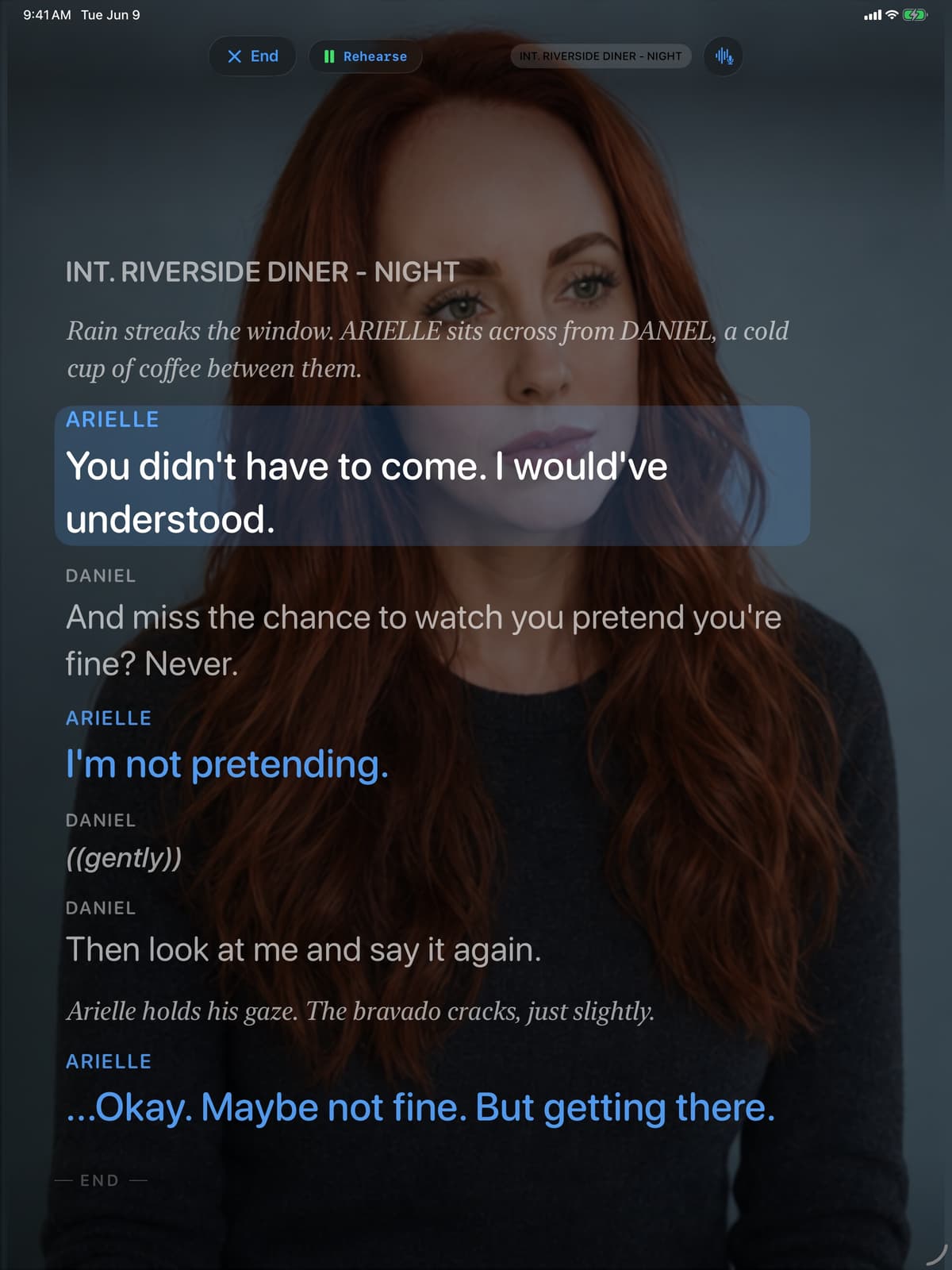
Your scene partner. Ready when you are. For every take.
Bring in your sides, rehearse the other lines, and record when you're ready. Your sides and takes stay on your iPhone or iPad.
Features
Built for how actors actually work.
From the sides in your inbox to a self-tape ready to send.
Smart Script Import
Import a PDF of your sides, review the characters and cue lines, then start rehearsing.
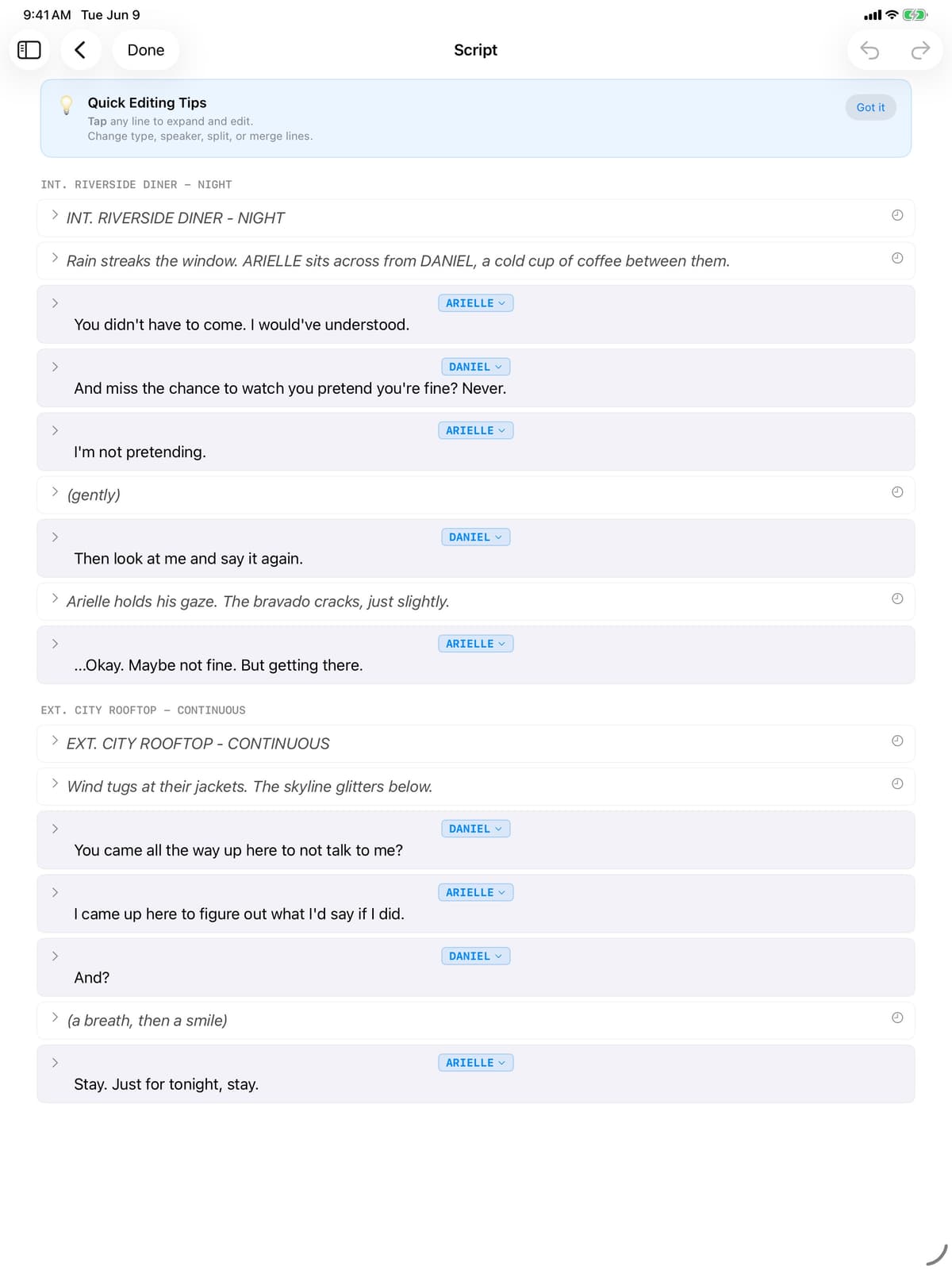
Smart Script Editor
Keep the working script beside your original PDF. Correct any line in context without starting over.
AI-Generated Scene Partners
Choose voices for the other roles and rehearse your timing. The voices are AI-generated, not human recordings.
Musical Theater & Singing
Import a backing track, use a lyric teleprompter, and mix your vocal with the track for a song self-tape.
Voice-Controlled Director
Say "Hey Director, I'm ready" to move through rehearsal and recording without reaching for the screen.
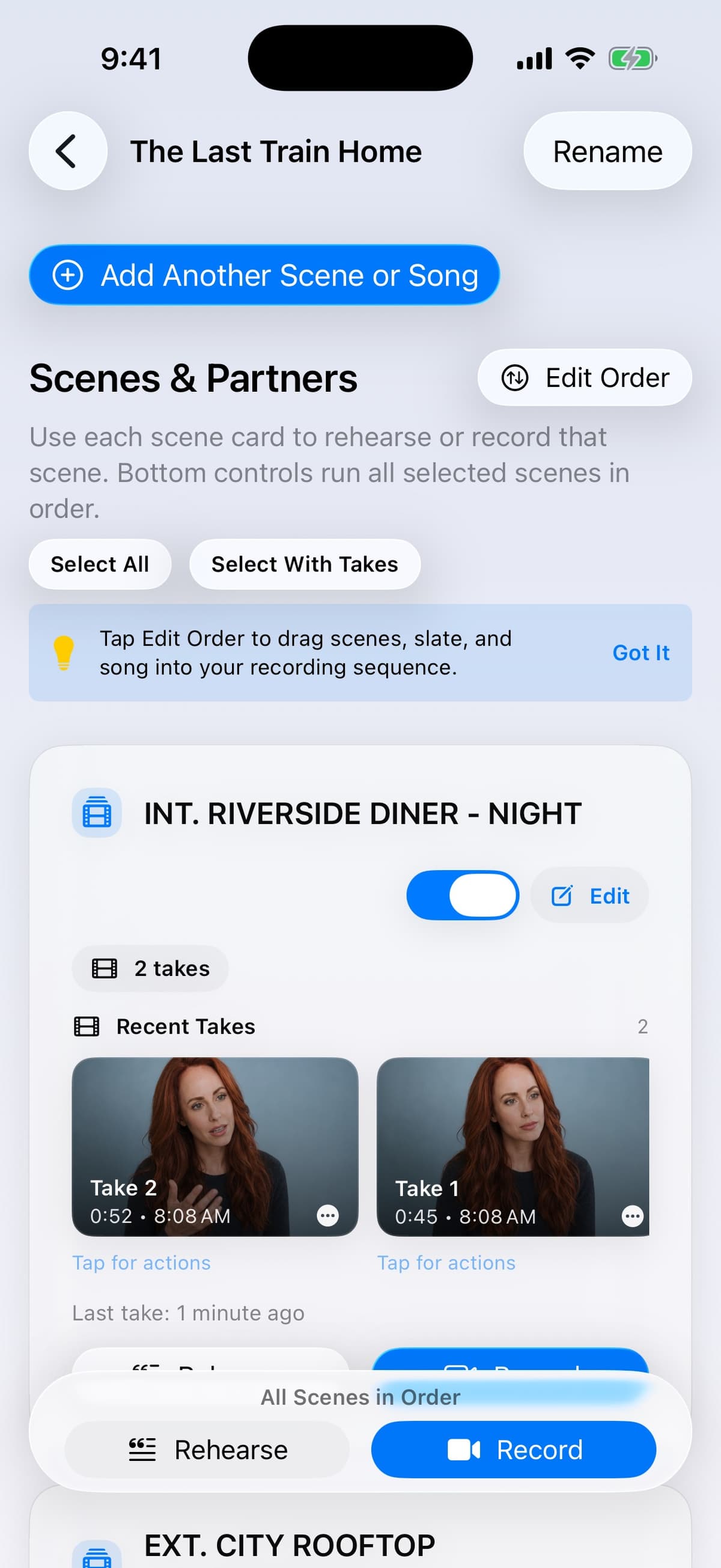
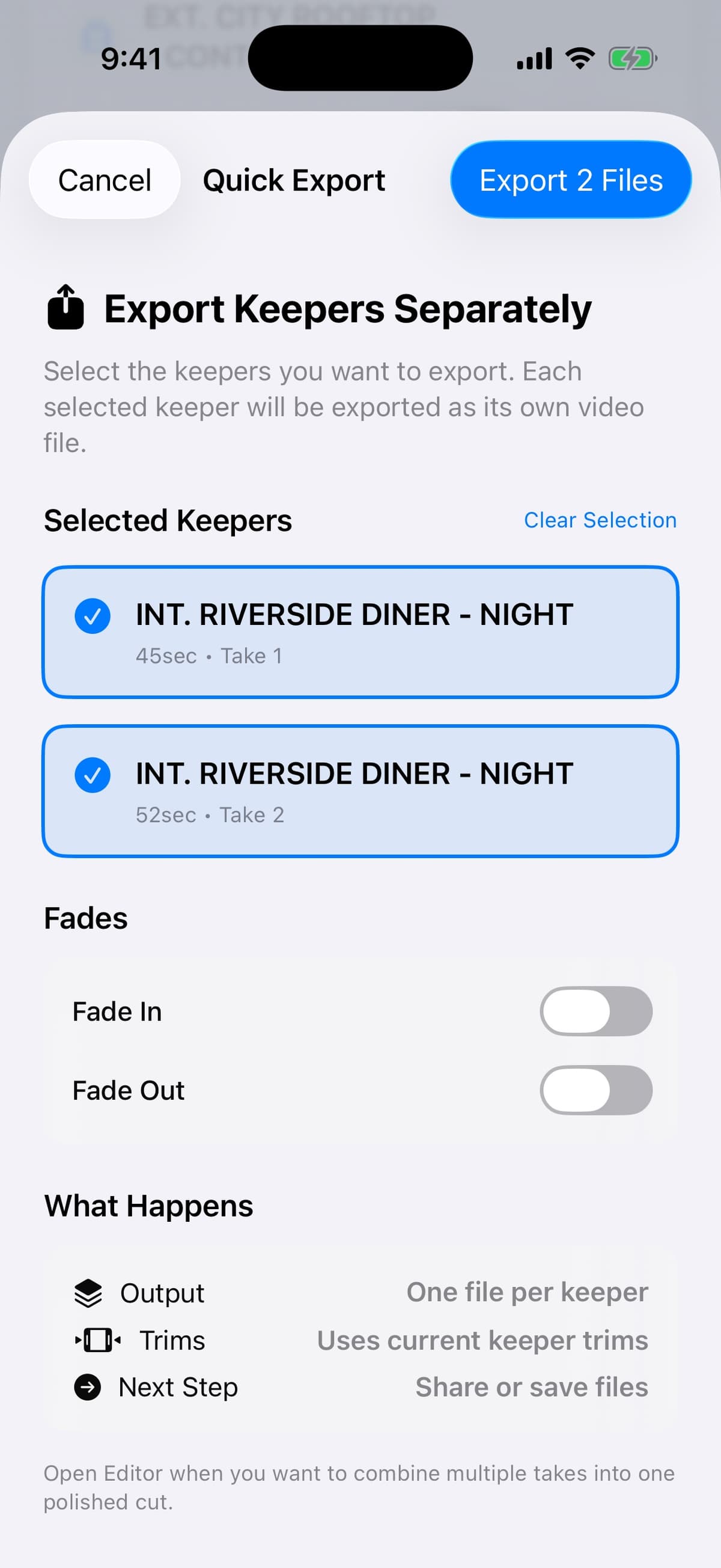
Finish the Take
Arrange takes, add slate cards and transitions, then export a self-tape that is ready to send.
Your privacy, on your terms
Keep your sides private. Stay ready anywhere.
Pricing
Free while we test the beta.
Beta features and availability may change as we learn from real auditions.
All available beta features are included. Pricing for a future release has not been set.
Join the Free BetaFAQ
Common questions
What devices does AuditionAlly support?
The beta requires iOS 26. It supports iPhone 13 Pro and newer, plus iPads with an M-series chip. We recommend an iPhone 15 Pro or later for the smoothest experience.
How does the scene partner work?
Import your script, choose your role, and assign voices to the other parts. AuditionAlly reads the other lines with natural timing on your device. The reader voices are AI-generated, not human recordings.
Can I use it for singing auditions?
Yes. AuditionAlly has built-in musical theater support: import a backing track, paste your lyrics, and you get a synced lyric teleprompter while the app mixes your vocal over the track.
Is my data private?
Your scripts, takes, and audio stay on your device. No account is required, and nothing is sent automatically. You choose if and when to export work or send an optional beta report.
How much does it cost?
AuditionAlly is free while it is in beta. All available beta features are included. Pricing for a future release has not been set, and beta features may change.
How does script import work?
Import a PDF of your sides and AuditionAlly prepares the characters, dialogue, stage directions, and cue lines for review. You can adjust any line next to the original PDF.
It's in beta. How do I report bugs or give feedback?
Use the in-app feedback option, send a TestFlight screenshot with a note, or email beta@auditionally.app. Real audition feedback helps decide what gets fixed and improved next.
Can I record while using Split View or Slide Over on iPad?
No. iPad recording requires the app to run full-screen. Split View and Slide Over are not supported while recording.
Bring your sides. The reader is ready.
Join the free TestFlight beta, try it with a real audition, and help shape what comes next.
Join the Free Beta